YOUR DESIGN. ONE PIECE OR MORE.
Choose a Photo for a Clear Custom Print
Create something for yourself, a gift or your team. Share your artwork, product choice, quantity and delivery ZIP code for help planning your order.
Get your design quote
Artwork guidance · Small batches & group orders · Clear project quotes
Choose a Photo for a Clear Custom Print
A custom photo print starts with the image you upload. The clearest original usually gives you more flexibility than a screenshot or compressed message attachment. This guide helps you judge sharpness, crop and print size before placing a picture on a shirt, hoodie or gift.
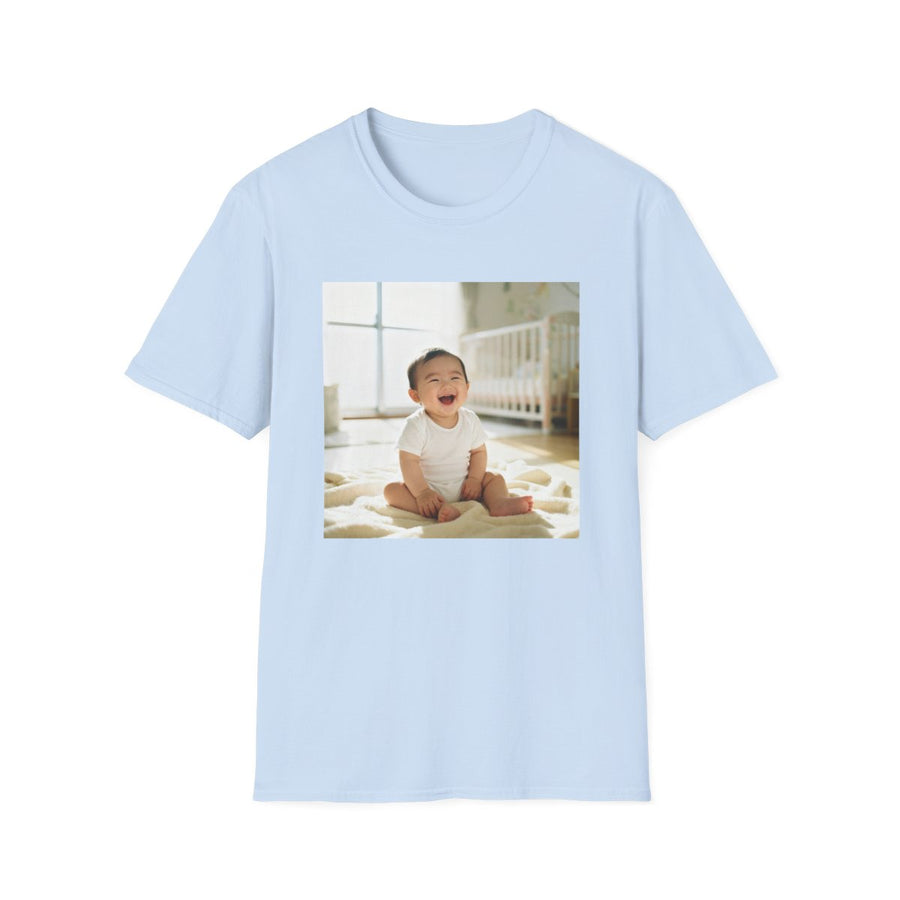
Choose the right product and design
Pick a photo where the main face or subject is sharp, evenly lit and not hidden by a strong filter. A well-lit phone picture can be useful, but its suitability depends on the file and how large you print it. Compare several originals before settling on a small thumbnail.

Prepare your photo or artwork
Open the original at the approximate size you plan to print. If eyes, lettering or important edges already look blurred or blocky, making the design larger will not fix them. Avoid repeatedly saving an image through messaging apps. For an old printed photo, scan it or photograph it flat without glare.
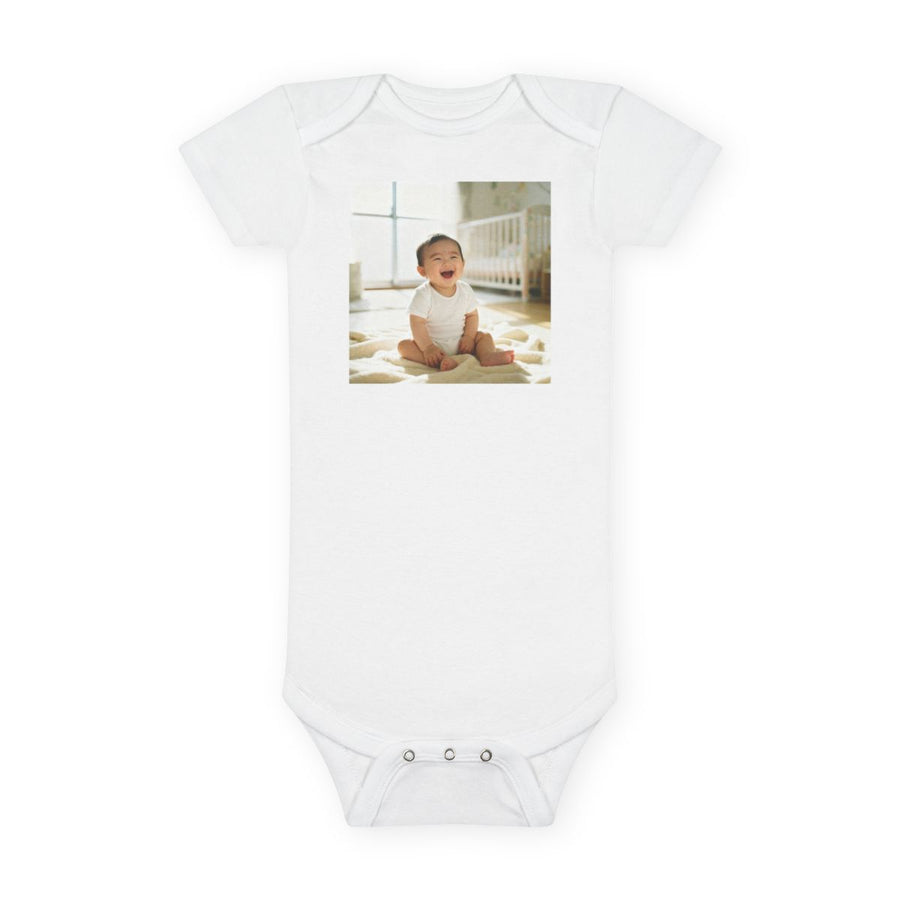
Plan shipping and your gift date
A better source photo can take time to find, so settle the image choice before committing to a gift schedule. Once you have inspected the crop and print size, review the selected product’s arrival estimate. That estimate belongs to the product and destination, not to this quality guide. For an important occasion, leave room to inspect the delivered item before presenting it.

Check the preview before ordering
Leave room around heads, ears and other details so the crop can be adjusted to the product's shape. The supported print area matters more than the full garment dimensions. A smaller sharp portrait can be a better choice than a large blurred one. Review both the image and any added text in the final preview.
Questions and related photo gift guides
Is there one resolution that works for every product? No. The needed detail depends on the printable area and the size of your design. Follow the selected product's guidance and ask for help when the image is uncertain.
What if the order is printed incorrectly? The store's print-error policy covers print and placement mistakes on our side. Send a photo within 30 days for a reprint or refund; customer-selected sizing, color and artwork are excluded.
Personalize and order online →
Explore related guides:
Browse all photo gift guides · Artwork and ordering help · Production and delivery

READY FOR YOUR NEXT PROJECT?
Let’s make it yours.
Tell us the product, approximate quantity, sizes, artwork and delivery ZIP code. Include your event date for a more useful quote.